To get started: You can either watch the walkthrough video for a quick visual guide, or follow the step-by-step instructions below to complete the process manually.
1. Access the Vendor Import Tool
-
In the left-hand menu, scroll down to the Admin dropdown.
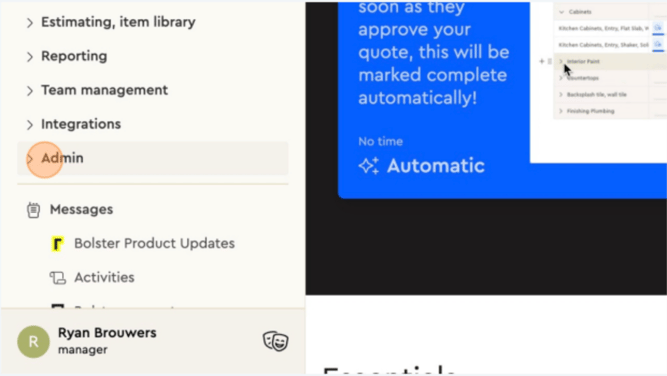
2. Click Vendor Import Tool.
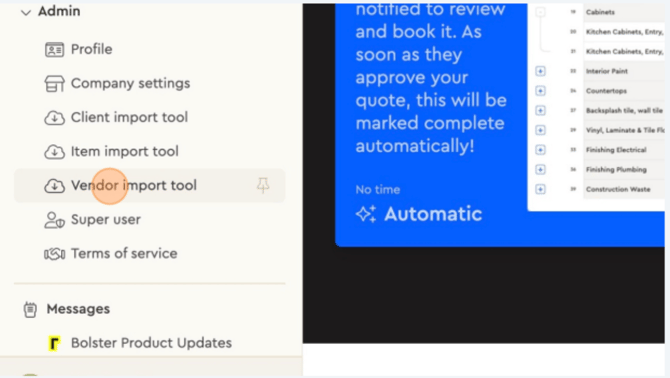
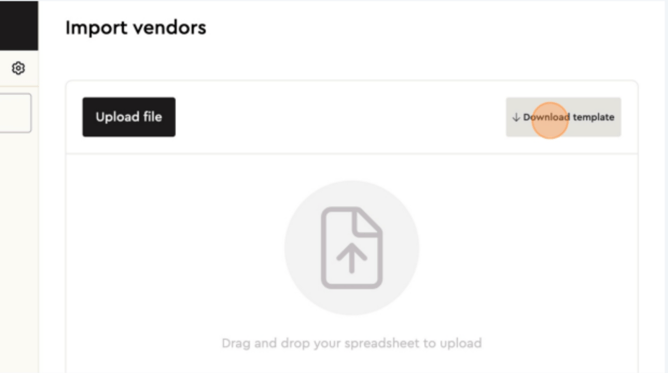
3. This is where you can Bulk Import Vendors by:
-
Download the provided template.
-
Add all your vendor details to the template.
-
Upload the completed file to import vendors in bulk.
4. Alternatively, Add Vendors Individually (Optional)
From the left-hand menu, go to Team Management
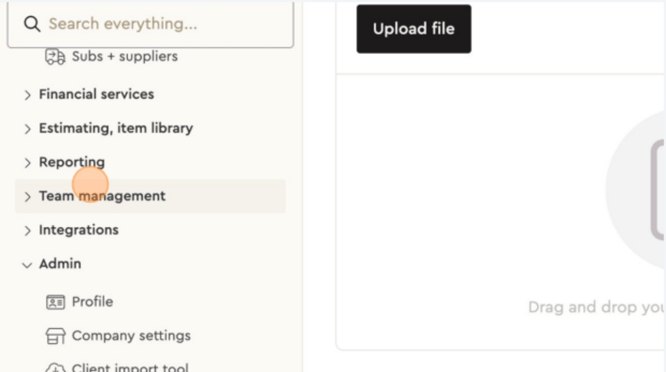
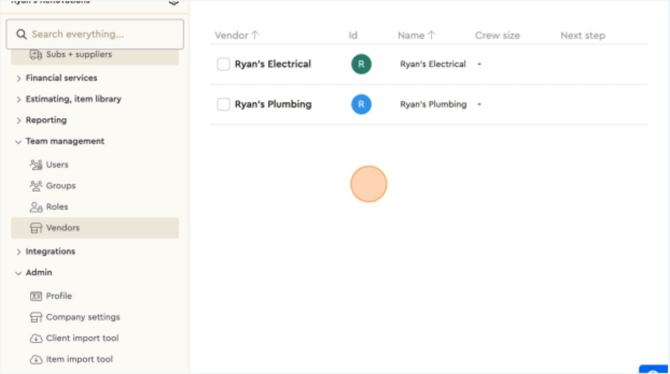
5. Go into Vendors.
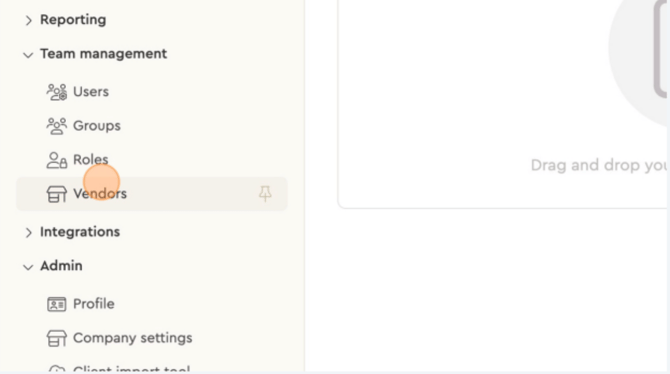
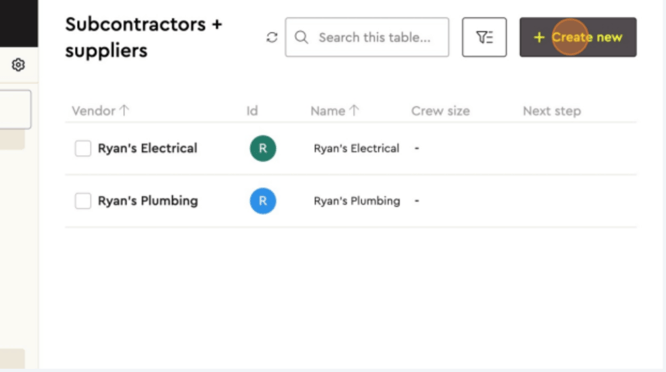
6. Here, you can add individual vendors one at a time as needed.
7. Tag Vendors to Proposals
-
After your vendors are uploaded, you can tag them to specific items or assemblies in your proposals to track responsibilities and manage workflows.