The client can log in to their dashboard at any time during the course of the project. Here, they will see their payment progress — including what has been paid, what has been billed but still needs their approval & payment, and what remains outstanding.
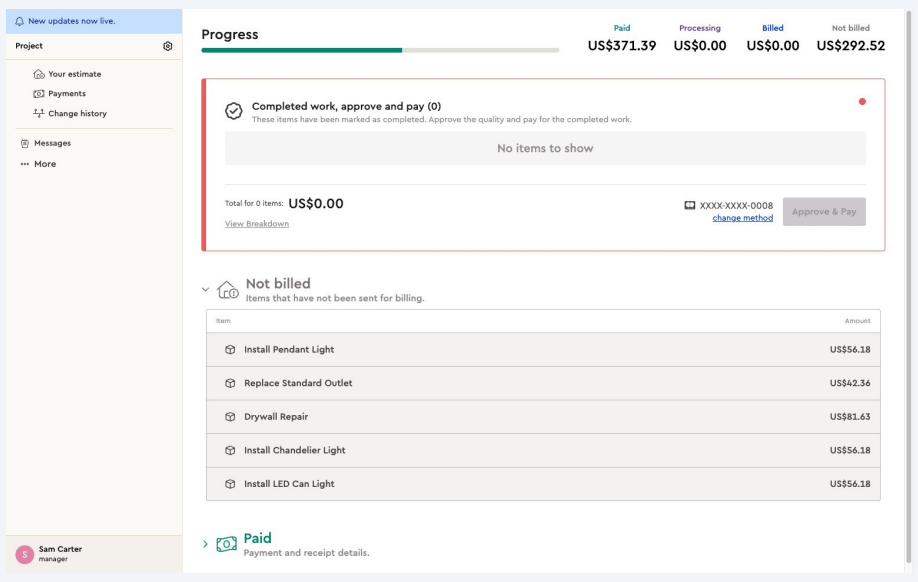
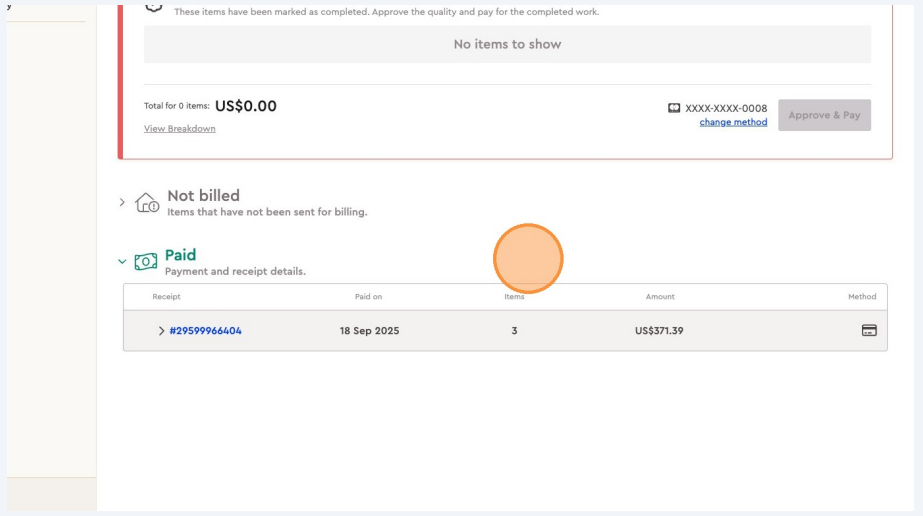
From the Payments tab in the client portal, the client can access all invoice details and download receipts for completed payments.
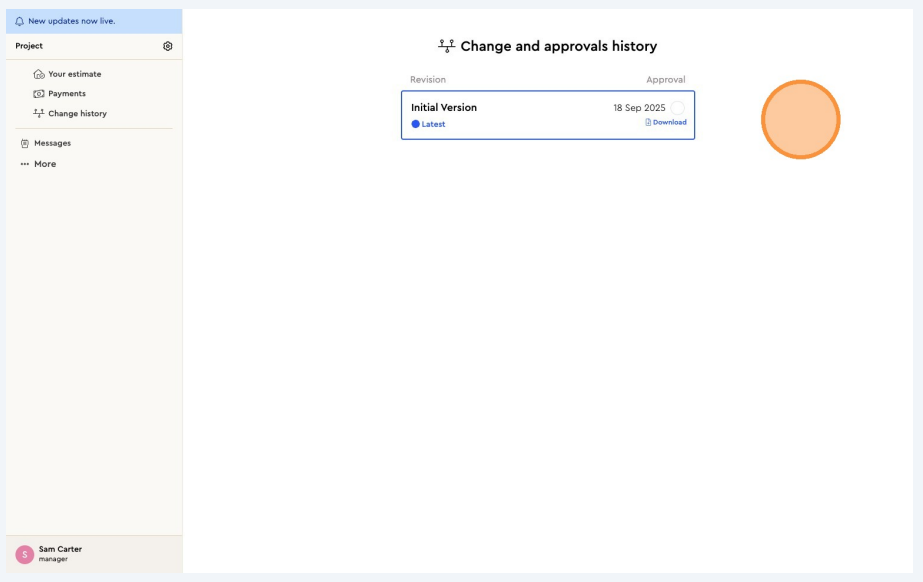
The client can review the change history of the project and download the contract currently in place.
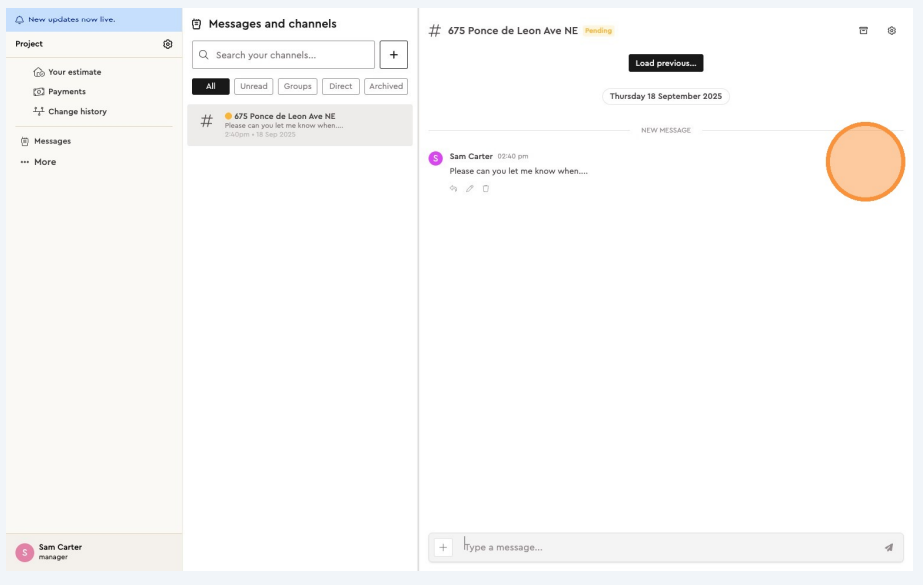
The client can message you directly using the instant messaging tool in the client portal. When you log in to the project on Bolster, you’ll be able to see and respond to these messages.