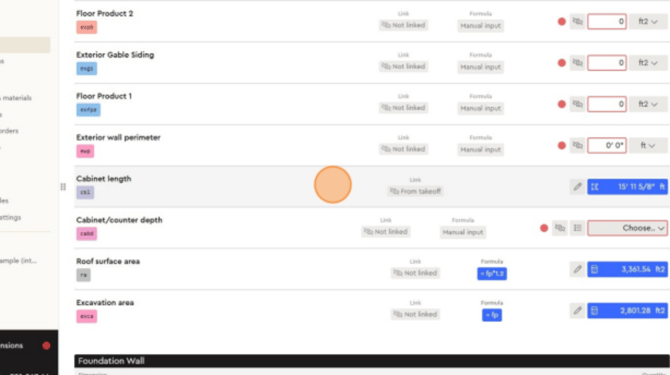
Watch the training video: “Measuring Inside Line Lengths” for a full demonstration.
The video shows how to measure cabinet lengths (or other interior lines such as walls) and check results in your estimate.
👉 You can either watch the video, or follow the detailed steps below.
Step-by-step Guide:
Measuring inside lengths is a common task when working with floor plans. This process can be applied to any interior line you need to measure whether it's the run of a kitchen cabinet, the span of an interior wall, the length of a countertop, or any other internal linear element. In this example, we'll walk through measuring cabinet length, but the same method applies across different use cases
1. Select the measurement category
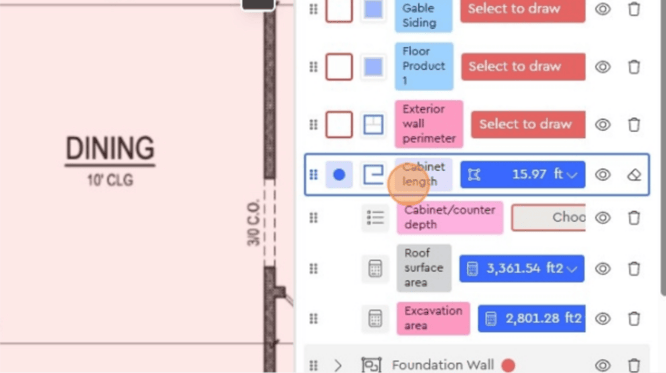
• In the Layers panel, choose Cabinet length.
• This is used in the example, but you could select another inside measurement type (e.g., interior wall).
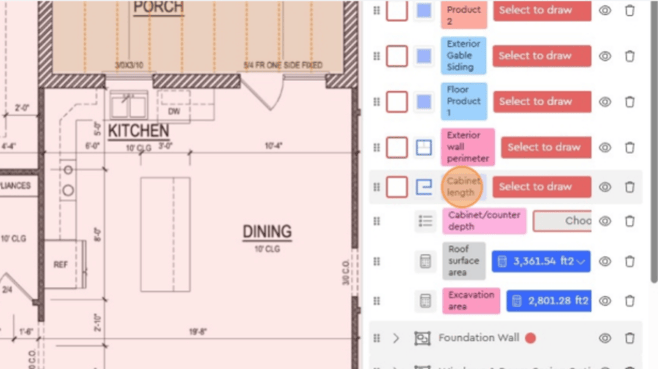
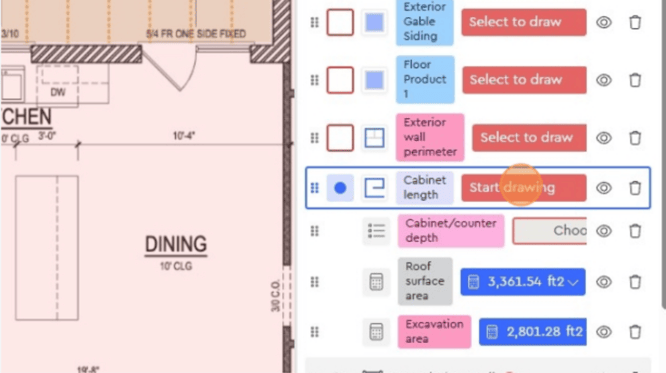
2. Click “Start drawing”
3. Place your first click at the starting point of the cabinet or wall.
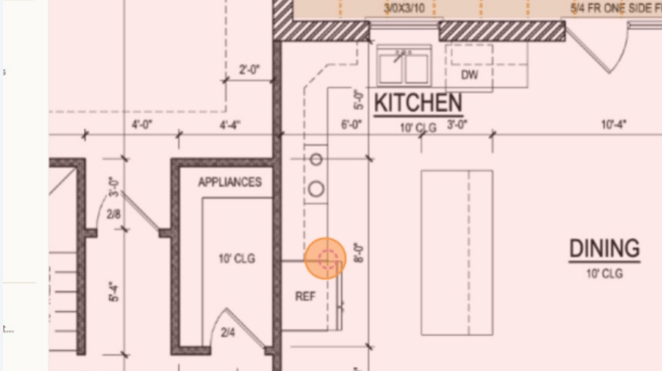
4. Continue clicking along the inside line you want to measure.
Once finished, right-click to close the measurement
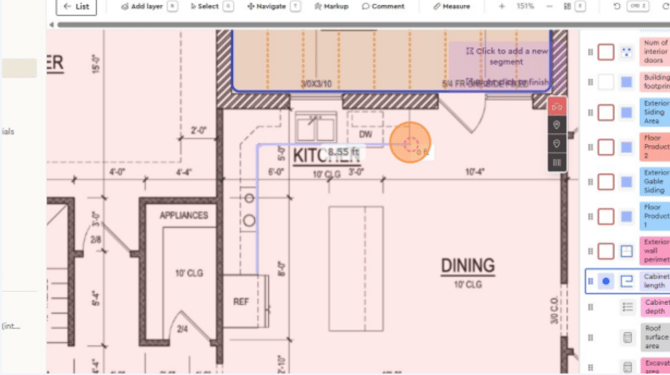
5. The measurement will appear immediately (e.g., 15.72 ft).
You can adjust or redraw if needed by clearing the segment and starting again.
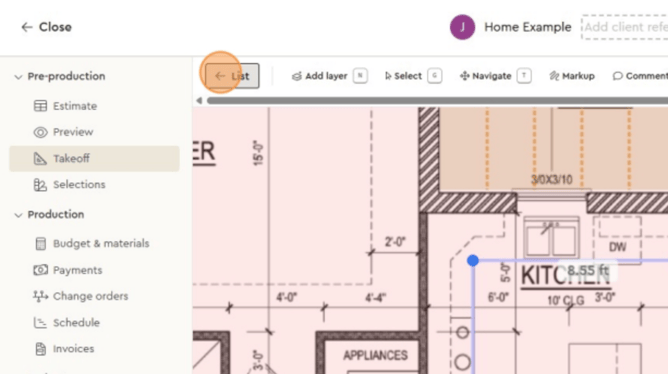
6. Click List at the top
7. In the list view, find Cabinet length with the updated measurement value.
This confirms the inside measurement has been recorded correctly and is linked to your estimate.