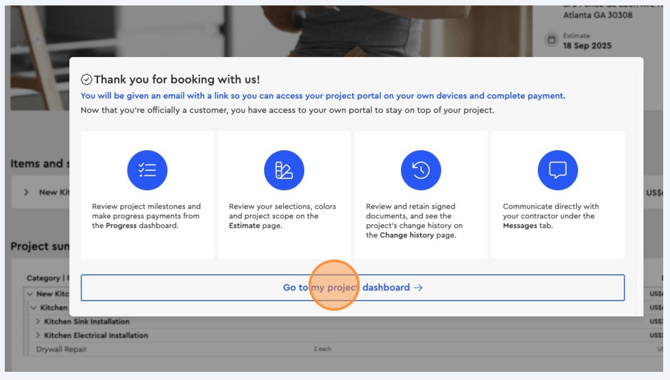
How your clients will see and receive payment requests in Bolster.
Approving a job & the Project Payment Terms:
Once you send an estimate, your client will receive an email and SMS notification with a link to view the proposal.
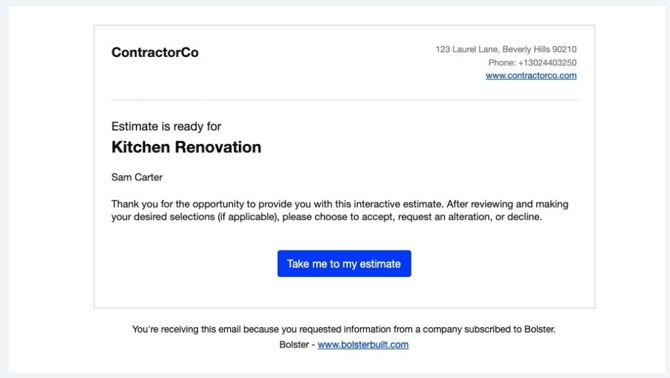
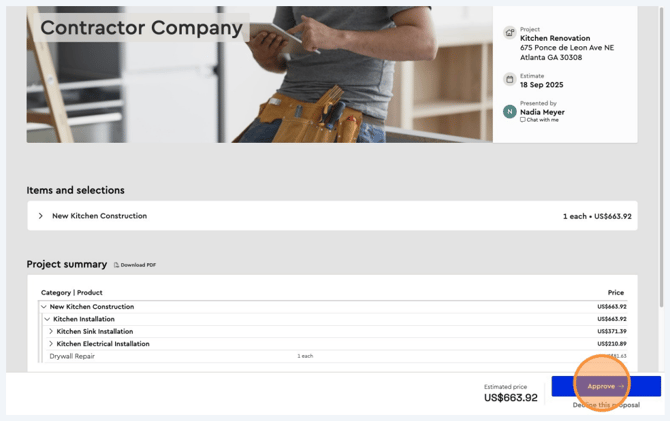
The client can open the proposal and review the details you’ve included. They will have the option to either approve or decline the proposal.
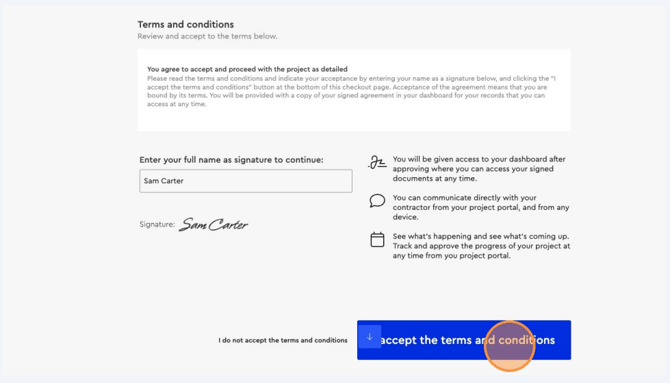
The client will be able to review the project’s payment terms and the proposal’s terms & conditions.
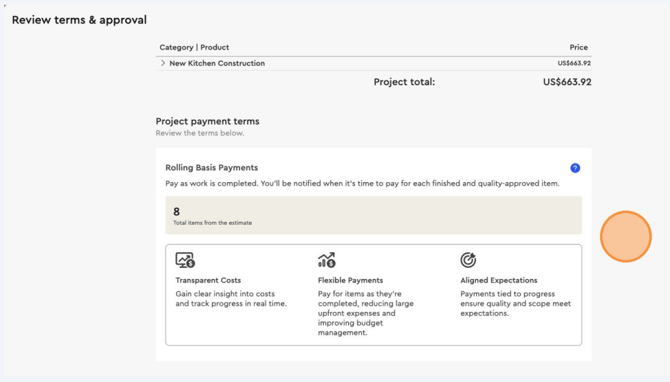
After reviewing, the client can provide their approval by digitally signing the proposal, which also confirms their agreement to the terms & conditions.
Once the proposal is signed, the client is taken to their Client Project Dashboard, where they can continuously stay up to date with the project’s progress.